GTA VI Inspired Pause Menu | Real 3D Map + GTA Settings
Scripts · PackagePopular
GTA VI Inspired Pause Menu | Real 3D Map + GTA Settings
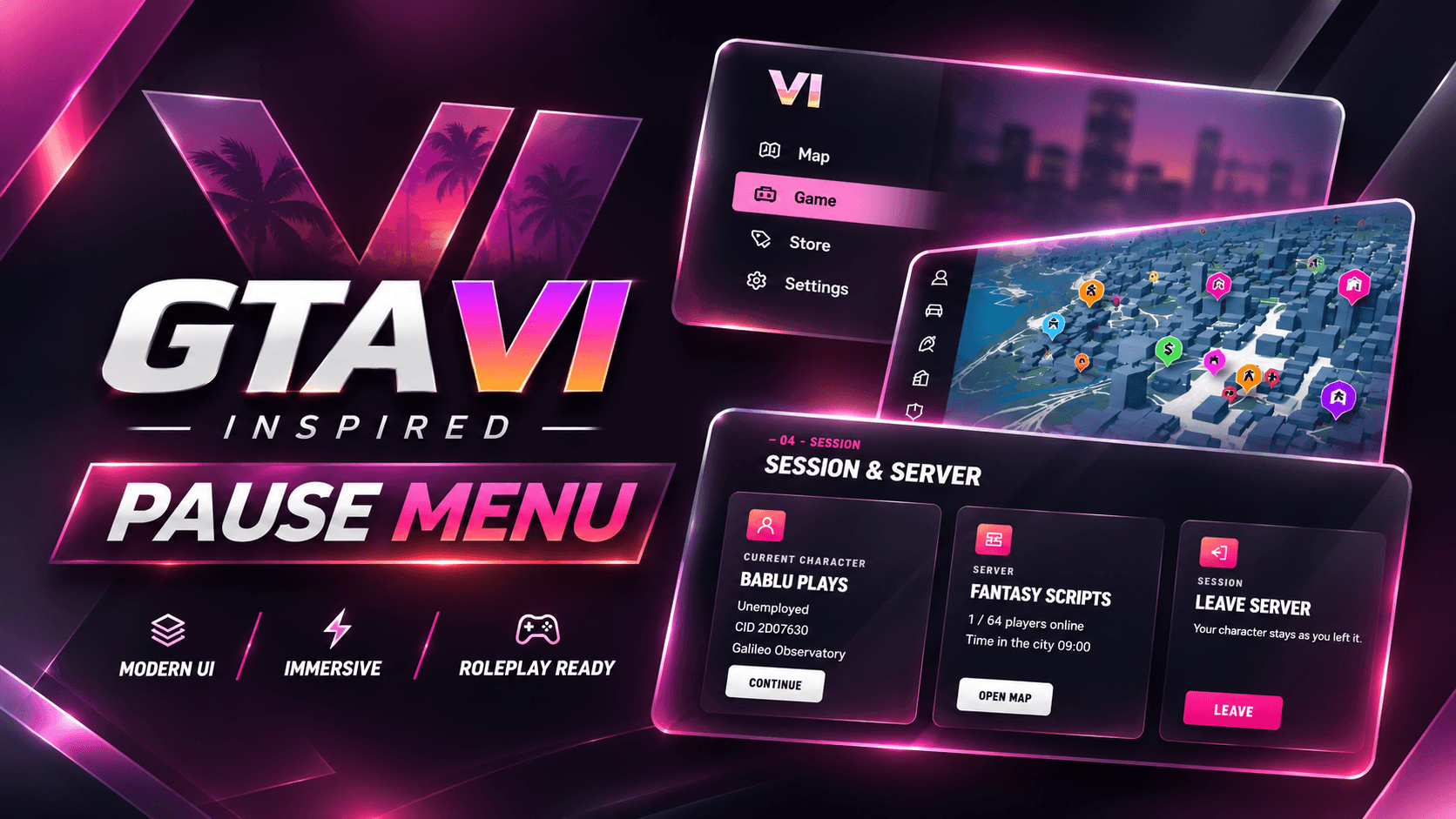
A GTA VI inspired pause menu for FiveM: a sunset-styled menu, a real 3D map of the whole city, and GTA's own settings and key bindings in a brand-new look. ESX, QBCore, Qbox or standalone.
1.0.0
22 Nov 2026
Scripts
ESX, QBCore, Qbox, Standalone
1 / 6
A GTA VI inspired pause menu for FiveM. Press ESC and a sunset-styled menu opens: a real 3D map of the whole city, a page for the player's character and your server, and GTA's own settings and key bindings, all in one fresh design. Give your players the feeling of a brand-new game, in your own server colours.
Works with ESX, QBCore and Qbox, or with no framework at all. Created by Fantasy Scripts.
Features
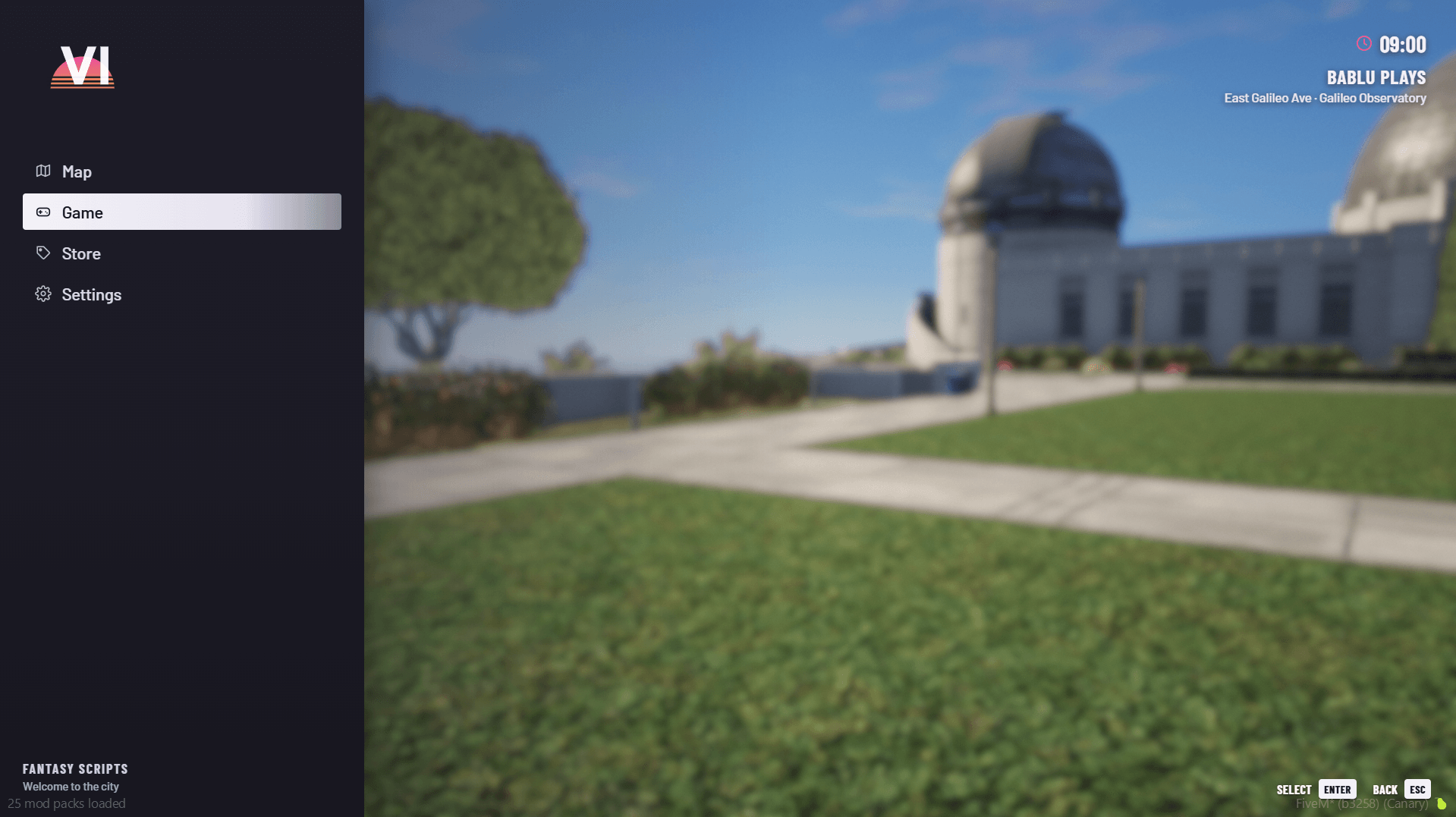
GTA VI Inspired Design — Sunset colours, palm trees and smooth animations, opened with ESC.
Works On Any Server — Finds ESX, QBCore or Qbox by itself, or runs with no framework. No extra scripts needed.
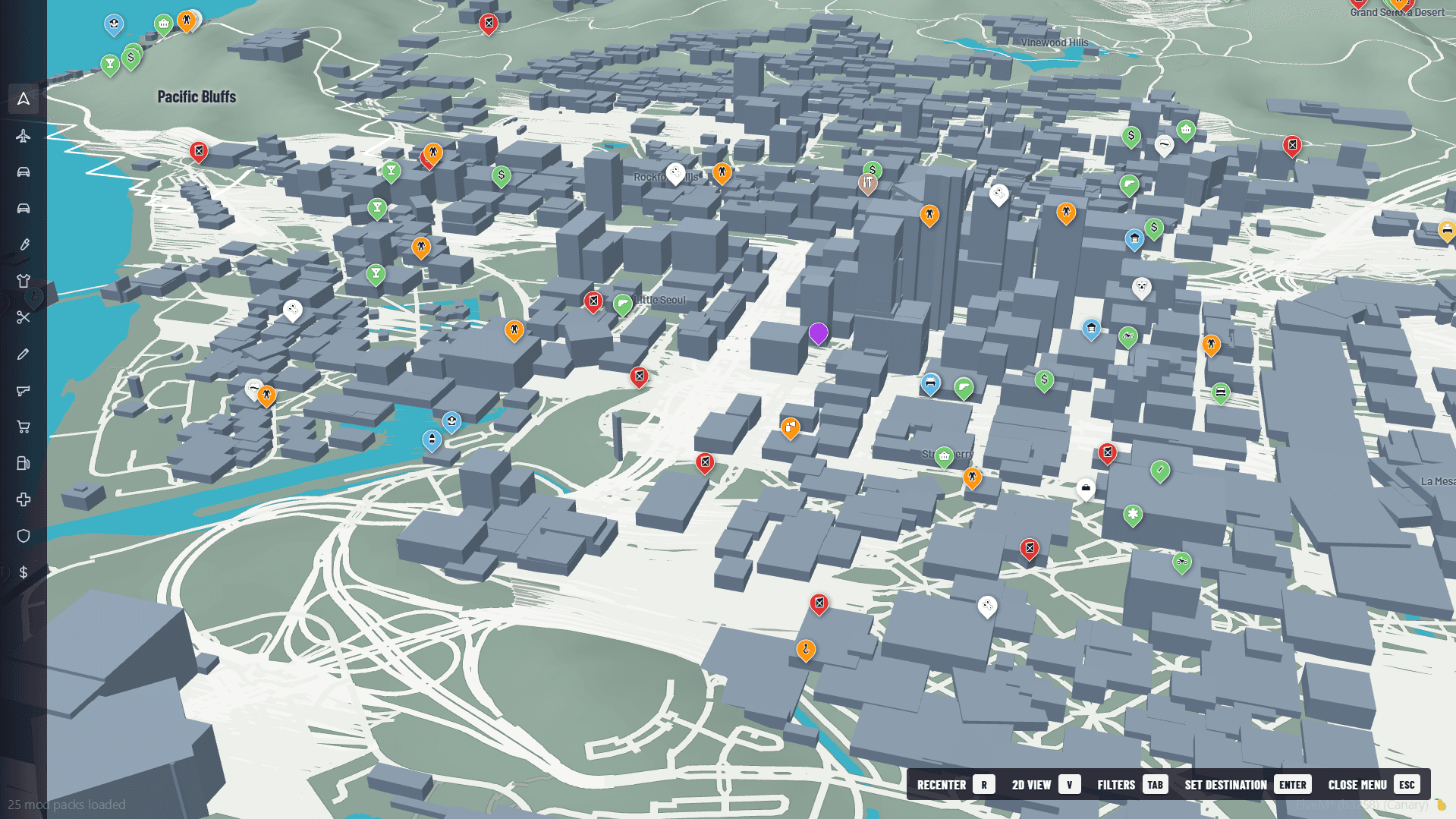
Real 3D Map — The whole city in 3D, built from the game's own files: ground, roads, buildings, hills and the sea.
Turn, Tilt and Zoom — Spin the map, tilt it down to street level, or switch to a flat 2D view in one press.
Day, Night and Ocean Looks — Light by day and purple by night, following the game's clock, or one look all the time.
Area Names and Outlines — Move over the map and the area under the cursor lights up with its name.
Location Lists — Garages, hospitals, shops, gas stations, banks and more, sorted into clear groups, nearest first with the distance.
Miles or Kilometres — Distances in the unit your players know.
Custom Location Groups — Choose your own headings, their icons, and which map icons go under each one.
Job-Only Groups — Show a group only to certain jobs, like police stations for the police.
Your Own Map Points — Add places of your own to the map, for everyone or only for certain jobs.
— Set a destination on the 3D map and the route draws itself, right on GTA's own GPS.
GTA VI Inspired Pause Menu | Real 3D Map + GTA Settings
29.99EUR
Waypoint and GPS Route
Hide Map Icons — Keep any kind of map icon off the map with one line.
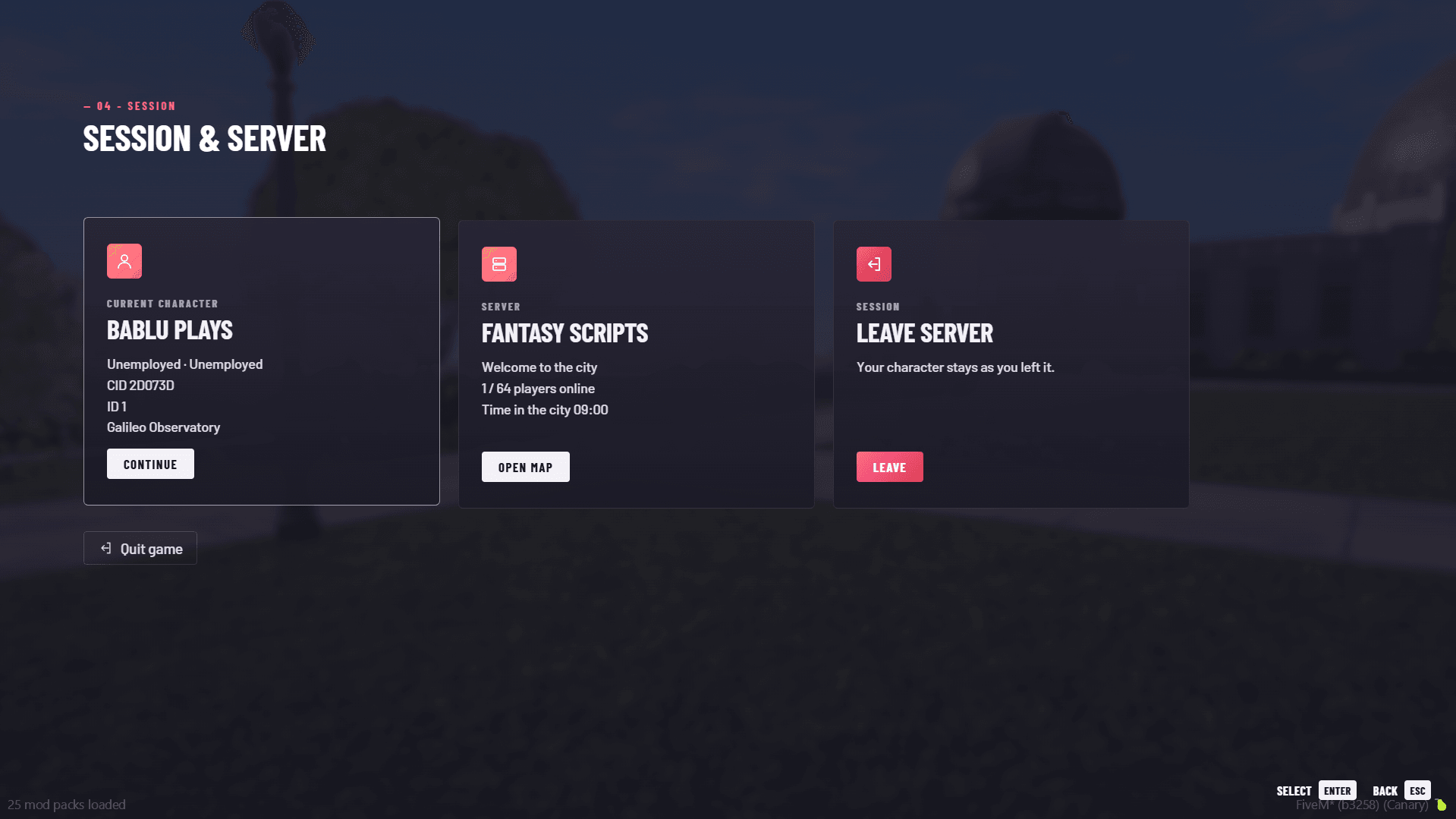
Game Page — The player's character and job, your server's name and tagline, players online and time in the city.
Leave and Quit — Leave the server or quit the game, with an "are you sure?" check and your own goodbye message.
Store and Help Buttons — Open your own store and rules pages in the player's browser, after asking them. No shop inside the menu.
Your Logo — Put your own logo at the top of the menu, or keep the built-in sunset.
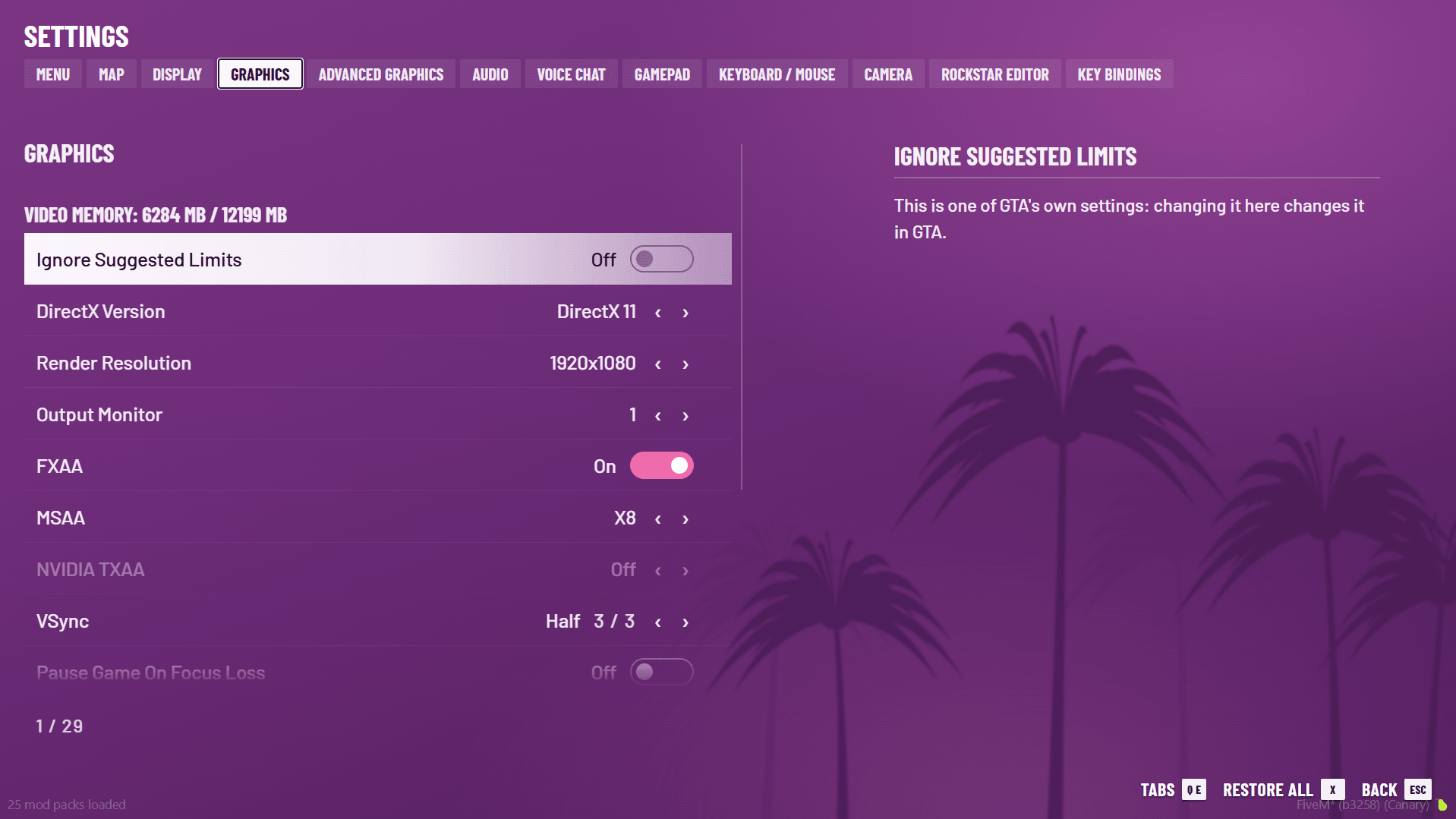
GTA's Real Settings — Display, Graphics, Audio, Voice Chat, Keyboard / Mouse, Camera and every other GTA settings tab, changed right inside the new design.
Graphics Apply Changes — Graphics changes wait for one Apply button, just like the original game.
Restore Defaults — Put any settings tab back to GTA's own defaults in one click.
Key Bindings Screen — Every GTA key and every key of your server's scripts, grouped clearly. Change any key with one click.
Clear a Key — Take a key off any action with the little ×.
Silent GTA Menu — GTA's old menu clicks are switched off while the menu is open.
New Menu Sounds — Soft new sounds of its own, with a volume setting, and players can switch them off.
Menu Settings for Players — Language, sounds, animations, blur, map colours, 3D or 2D start, area names, GPS route, zoom and move speed.
Saved Player Preferences — Each player's choices are remembered every time they join.
Three Languages — English, Portuguese and Spanish, and each player picks their own.
Keyboard, Mouse and Controller — Use everything with the mouse, the keys or a controller. The button hints switch to the controller on their own.
Plays Nice With Other Scripts — ESC never opens the menu over a phone, an inventory or another script's window.
Choose What Shows — Hide any section of the side menu, or put them in your own order.
Your Own Key — Give the menu a key of its own as well as ESC. Players can change it in their key bindings.
Keep GTA's Map Key — P can still open GTA's own map if you want it to.
Background Blur — The game softly blurs behind the menu.
Any Screen Size — Fits every resolution, from laptops to ultrawide monitors.
Open From Other Scripts — Open the menu, the map or the settings from your own scripts.
No Console Spam — Runs quietly, without filling your console with messages.
Fully Configurable — Colours, logo, server name, sections, map groups, map points, links, sounds and more, in one simple file.
Requirements
None. Fully standalone: works with ESX, QBCore, Qbox or no framework at all.
Recommended: game build 3258 (sv_enforceGameBuild 3258). The settings and key bindings screens were made on that build.
Do not run it together with another pause menu script. Only one script can take over ESC.