NoPixel V Inspired Banking | ATM Screens On The Machine + Phone App
1 / 5
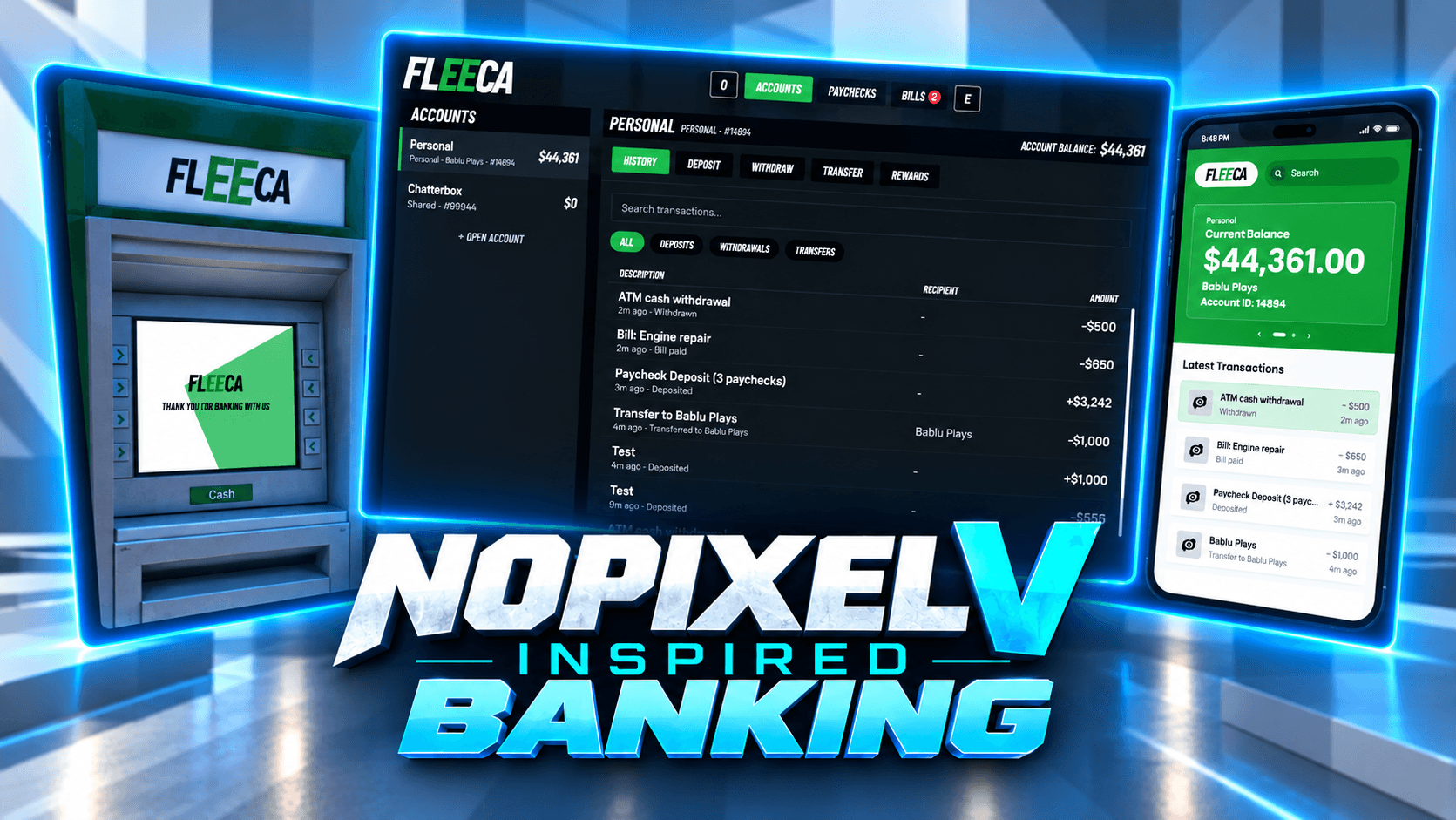
A complete banking system for FiveM, built to look and work like the NoPixel V Fleeca bank. Walk up to any bank counter and the full bank opens: your accounts down the side, your history, deposits, withdrawals and transfers. Every ATM in the city has its screen painted right on the machine, so everybody walking past sees it, and you use it on the machine itself with your mouse. Send money to anyone by name or account number, even when they are not in the city. Open shared accounts with your partner or your crew, run your job's money as the boss, collect your paychecks at the bank and pay your bills. Then take it all with you in the Fleeca phone app on LB Phone or fs-phone. Give your city a bank that feels like a real one.
Created by Fantasy Scripts.
Features
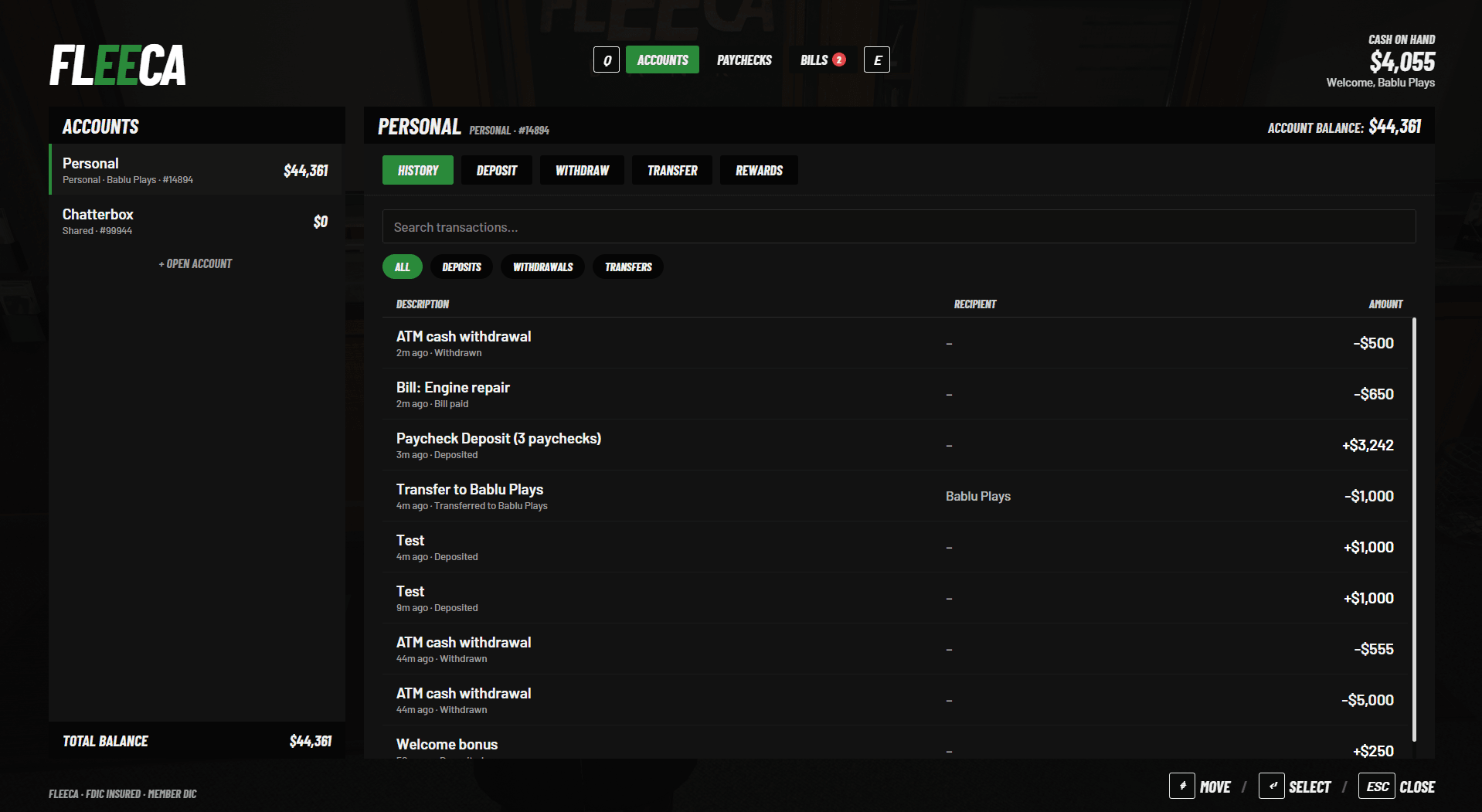
Fleeca Bank Screen — The NoPixel V bank: your accounts and total balance on the left; History, Deposit, Withdraw, Transfer and Rewards for the account you pick; Paychecks and Bills along the top, with Q and E to move between them.
Your Bank Is Your Framework's Bank — A character's personal account is their ESX, QBCore or Qbox bank money. The bank never keeps a second copy, so nothing can get out of step with your other scripts.
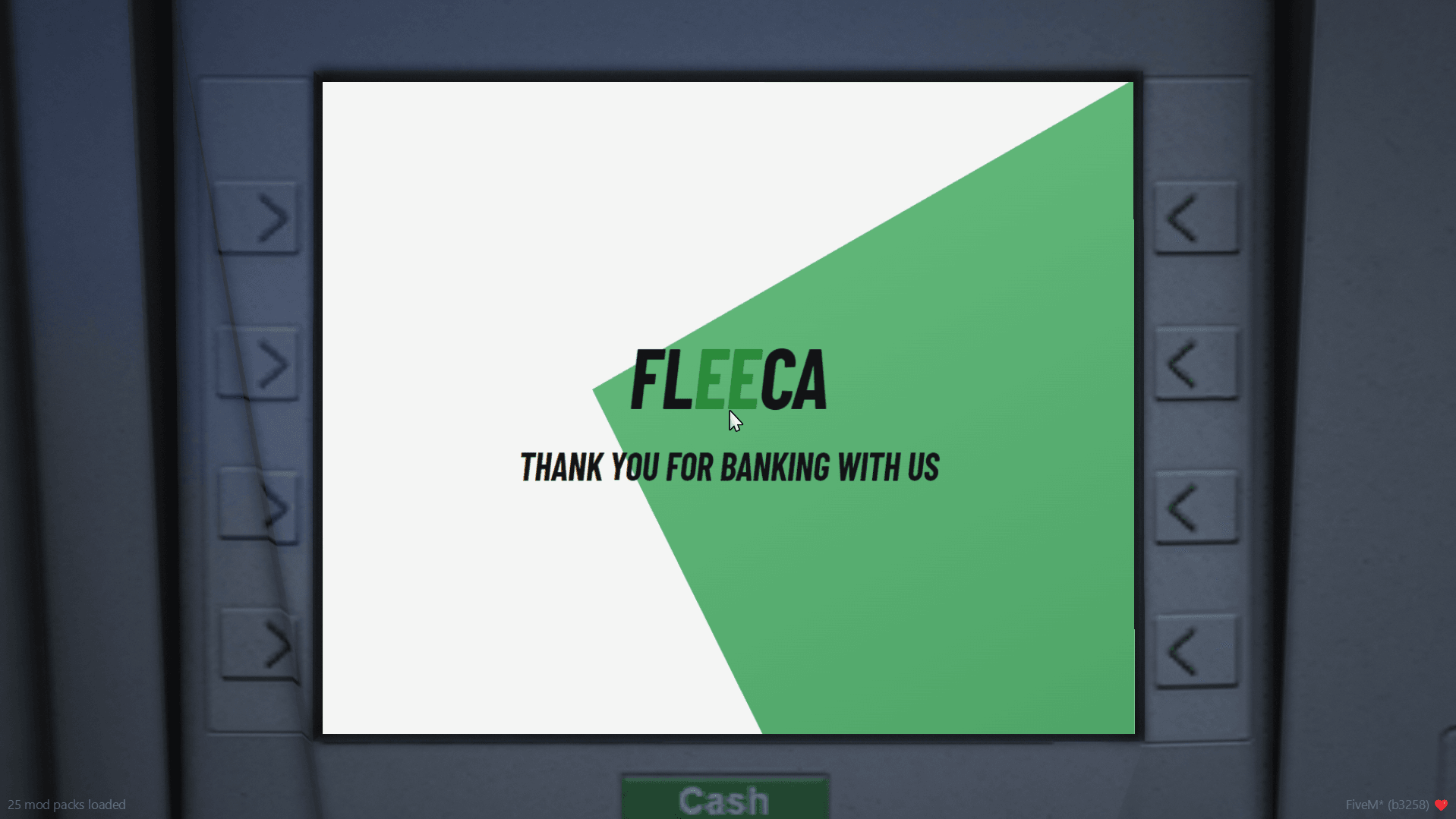
The Screen Is On The ATM — Every ATM in the city shows the bank on its own screen, for everybody walking past. Press E and the camera moves up to it; you use the ATM on the machine, not a menu on top of your game.
ATM Made Easy — Pick an account, then take cash out, look at your history or send money, with a keypad and quick amount buttons on the screen.
ATM Limits And Fees — A daily cash limit per character and a fee per withdrawal, if you want them. Deposits at ATMs can be turned on or off.
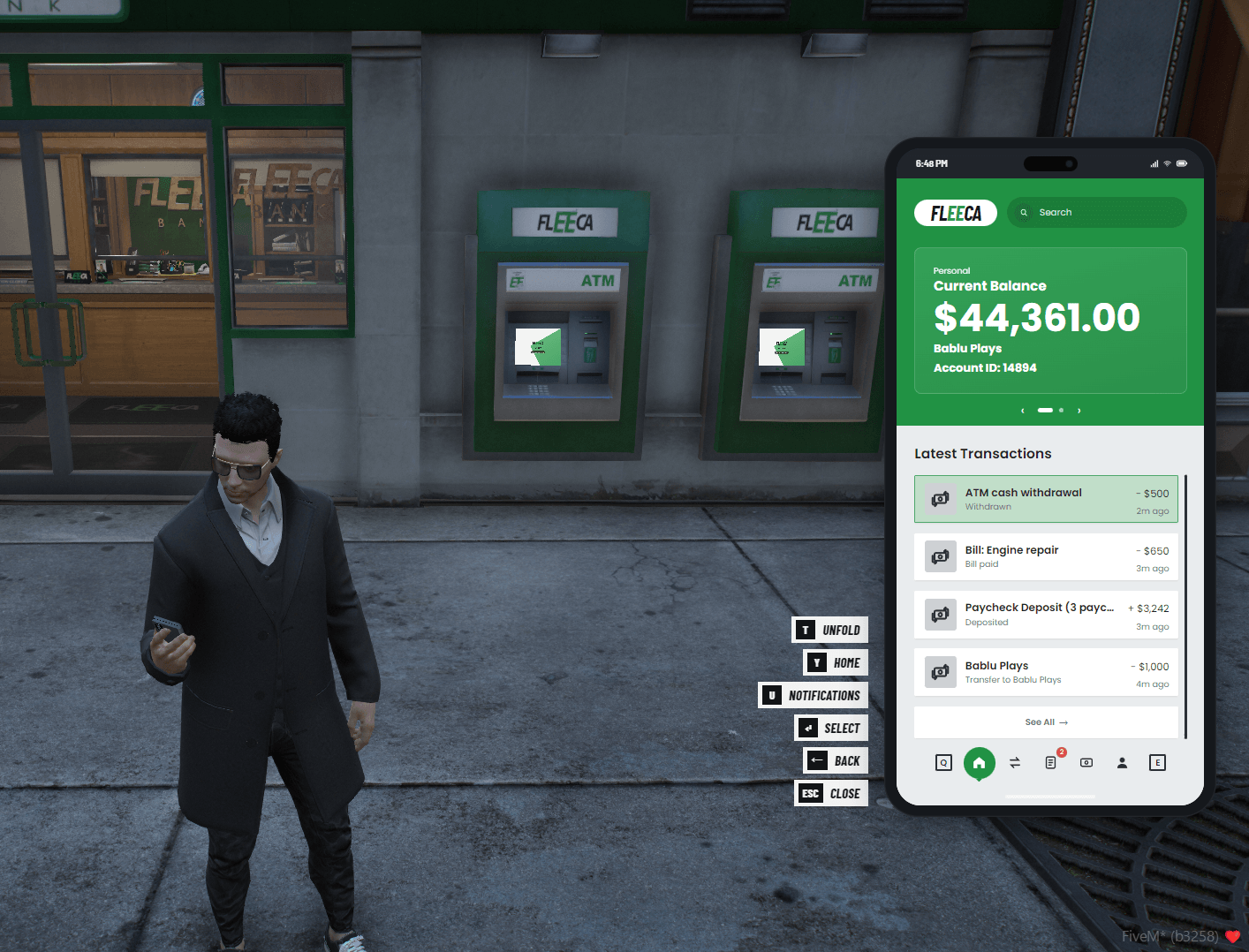
Every ATM, Nothing To Place — Works on all of GTA's ATMs out of the box, wherever they stand in the city.
Transfers — Send money to anyone by name or account number, with a comment. A live summary shows exactly what is left before you confirm.
Pay Anyone, Even Offline — Money for somebody who is not in the city waits for them and arrives the moment they come back.
Full History — Every change to your bank money is written down, even what your other scripts do: a shop purchase, a fine, a wage. Search it and filter it by deposits, withdrawals or transfers.
Confirm Step — Every deposit, withdrawal and transfer shows a confirm screen first, so nothing is sent by mistake.
Shared Accounts — Open an account for a couple, a crew or a business. Add members by their account number or server ID and choose what each may do: deposit, withdraw, transfer or manage. Rename it, or close it once it is empty.
Job Accounts — The boss of a job, and any grades you allow, see the job's money. It is the same money your boss menu uses (ESX societies, qb-banking or Renewed-Banking), never a second copy.
Paychecks At The Bank — Like NoPixel, wages wait at the bank and are collected at any counter. Or switch them to go straight into the account.
Pay Your Bills — Bills from esx_billing, qb-phone invoices, okokBilling or the bank's own bills, paid from the bank or the phone. The money goes where the bill says: the job's account or the person who sent it.
Rewards — A welcome bonus for every new character, and one-time rewards for banking on 3, 7 and 30 different days.
Requirements
Framework: ESX, QBCore or Qbox
oxmysql
ox_lib(optional) — notifications; Fantasy Scripts' ox_lib also draws the [E] prompts
ox_target or qb-target(optional) — or use the built-in 3D text prompts
LB Phone or fs-phone(optional) — the Fleeca phone app
A billing script(optional) — esx_billing, qb-phone, okokBilling or your own; the bank has its own bills without one
NoPixel V Inspired Banking | ATM Screens On The Machine + Phone App
39.99EUR
Phone App — The Fleeca app for LB Phone and for fs-phone: your balance card, latest transactions, transfers, bills, paychecks and rewards. It moves the same money as the bank and the ATMs, and never touches cash.
Every GTA Bank Ready — All of GTA's Fleeca branches, Blaine County Savings and Pacific Standard work from the first start.
Set It Up In Game — Add, move, rename or remove bank counters with /bankcreator, by looking at the floor. No coordinates, no config files.
Map Blips — Every branch on the map, switch it off per branch.
Interaction Prompts — Clean [E] prompts using our ox_lib interactions, ox_target, qb-target, or a simple floating 3D text that works anywhere.
Easy To Connect — Each billing script and job money script has its own small file, with a ready template for your own. Exports let your other scripts read accounts, move money, send bills and write history.
Safe From Cheaters — Every amount, account and permission is checked again on the server. A double click moves money once, two players can never take the same money at the same moment, and if anything fails halfway the money goes back where it was.
Multi-Language Support — Every word on the bank screen, the ATMs, the phone app and the messages can be translated through the locale file.
Framework Support — Works with ESX, QBCore and Qbox.
Highly Configurable — Configure the bank's name and colour, account numbers, shared and job accounts, transfer and ATM limits, fees, which models are ATMs, paychecks, bills, rewards, the phone app, map blips and much more.