NoPixel V Inspired FiveM Pause Menu – Custom Map & Settings
Scripts · PackagePopular
NoPixel V Inspired Pause Menu | Custom Map + Settings
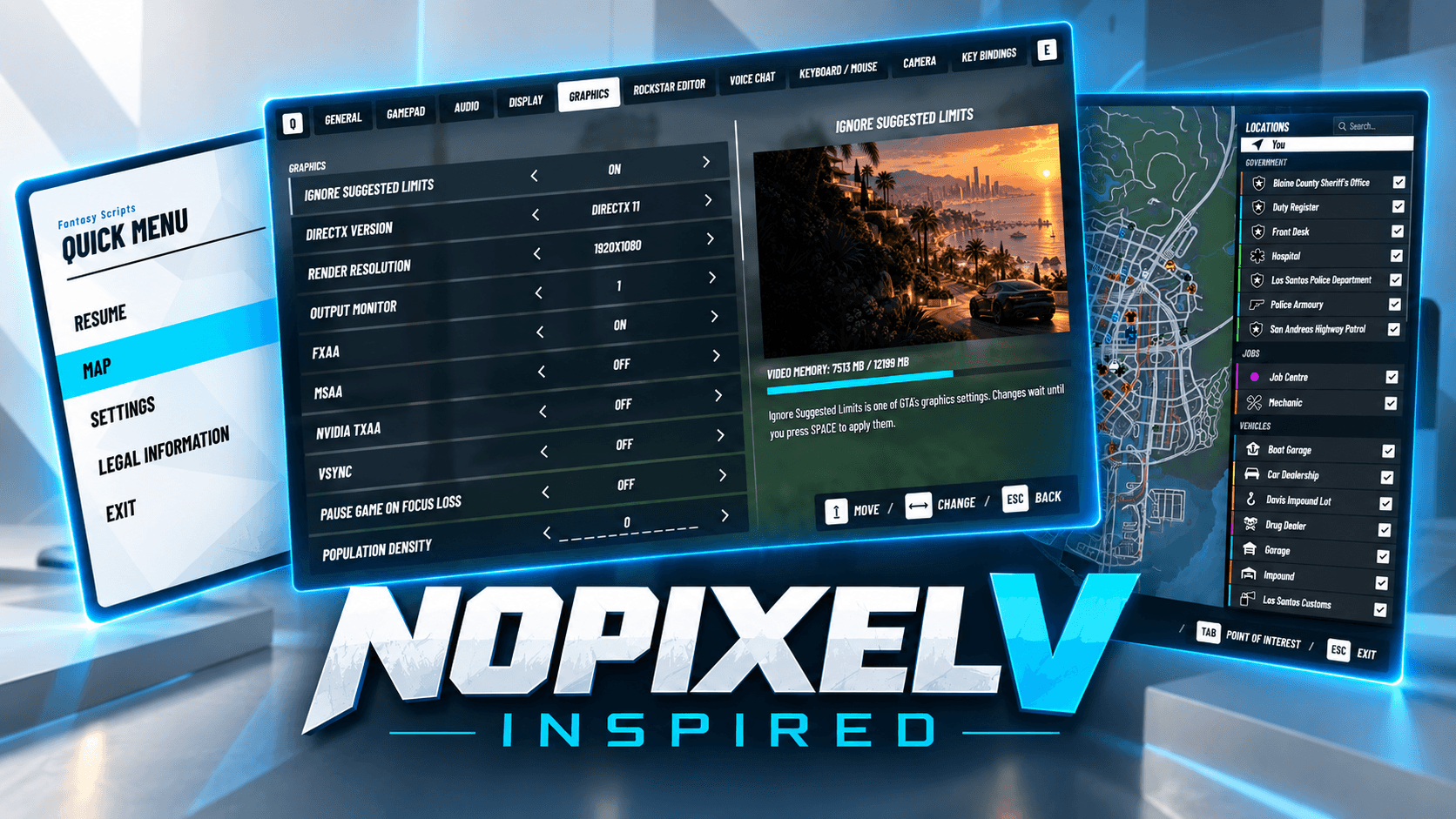
A complete pause menu makeover for FiveM: modern quick menu, brand new map style with postal codes, and a fully redesigned settings screen. Standalone.
1.0.9
6 Nov 2026
Scripts
ESX, QBCore, Qbox, Standalone
1 / 5
A complete pause menu makeover for FiveM. A modern quick menu, a brand new map style and a fully redesigned settings screen, all in one clean interface. Give your players a first impression they will never forget, in your own server colours.
Standalone, so it works on any server. Created by Fantasy Scripts.
Features
Fully Standalone — Works on any server, with or without a framework. No extra scripts needed.
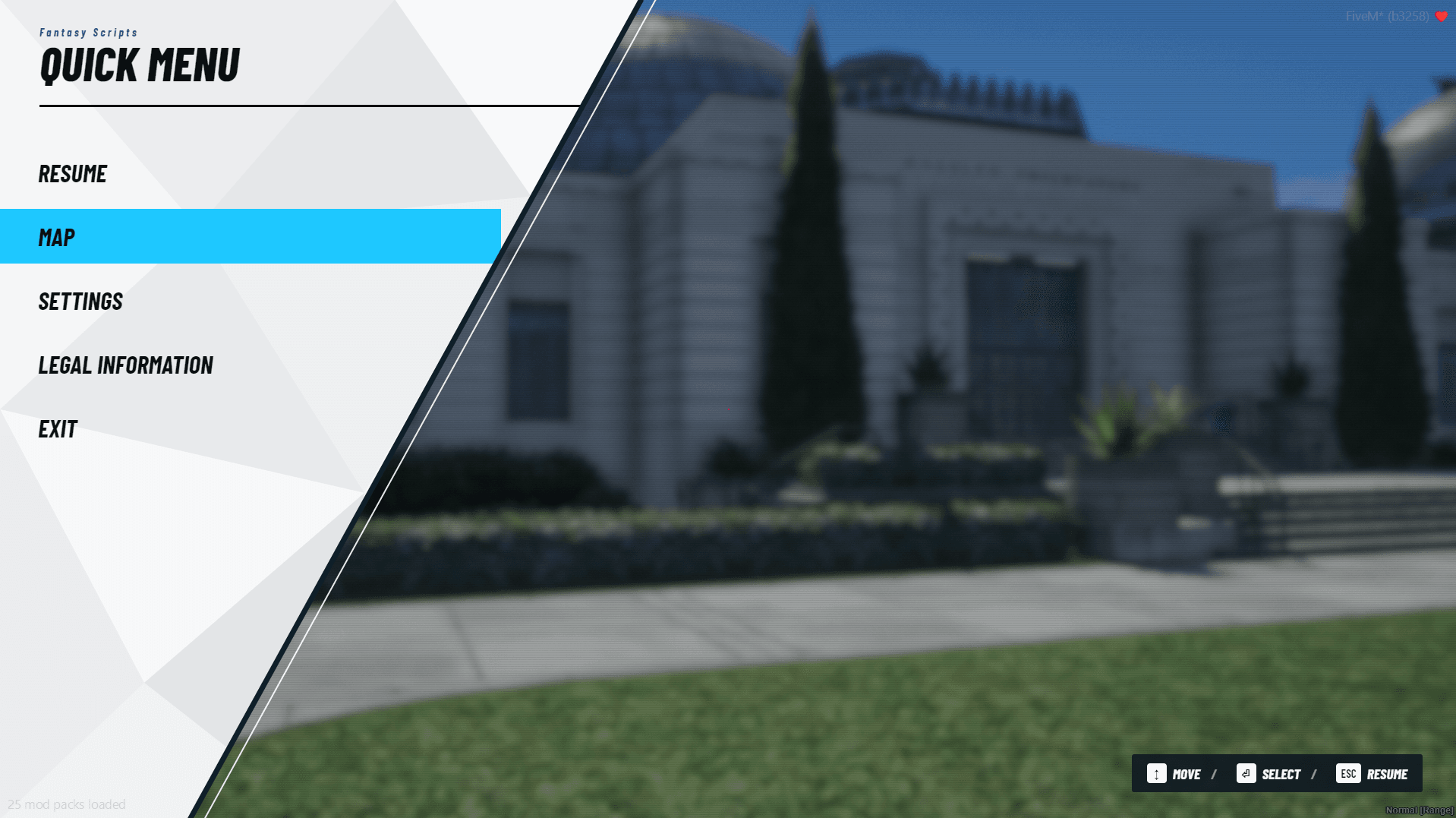
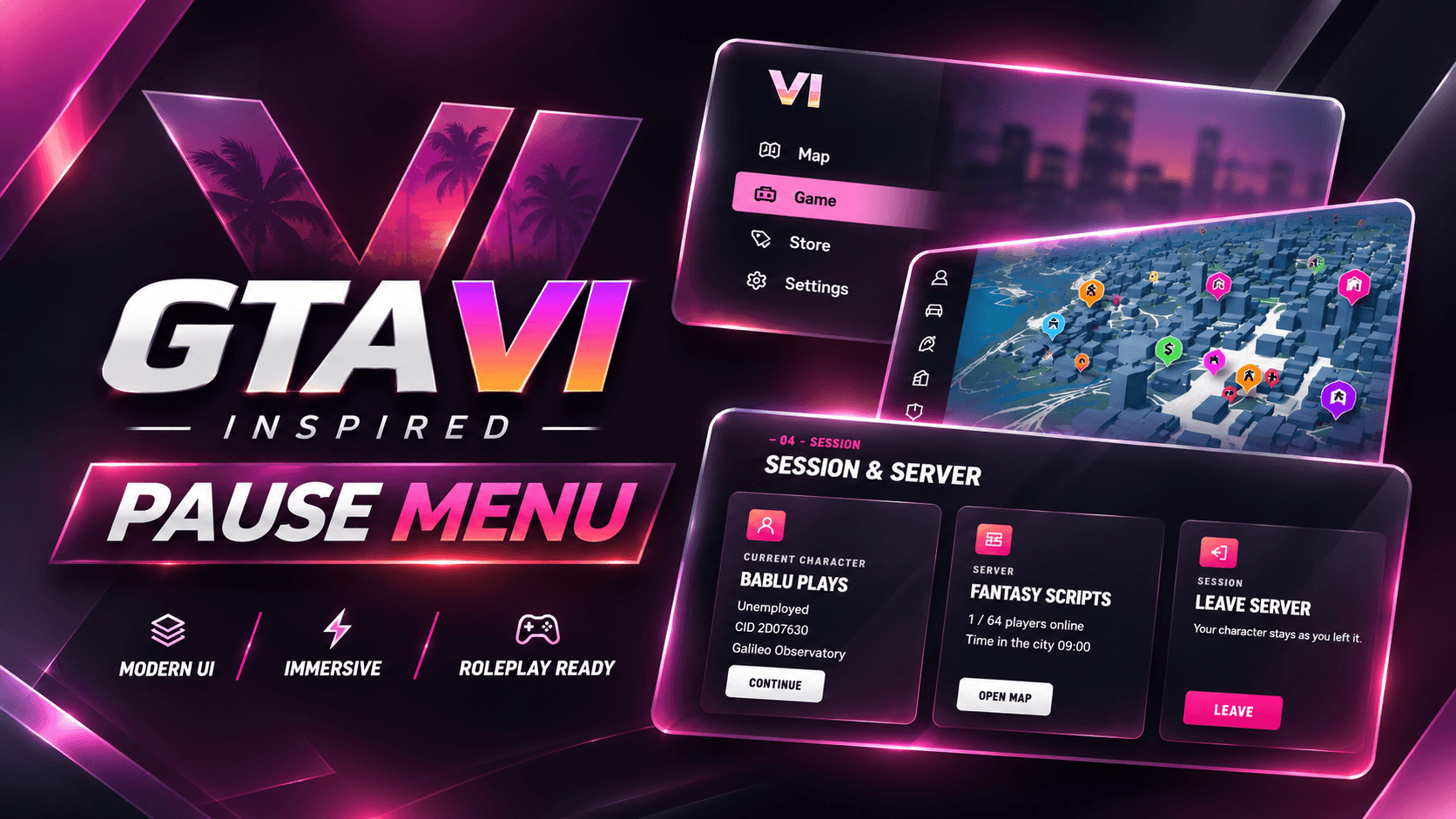
Modern Quick Menu — Press ESC for Resume, Map, Settings, Legal Information and Exit in one smooth menu.
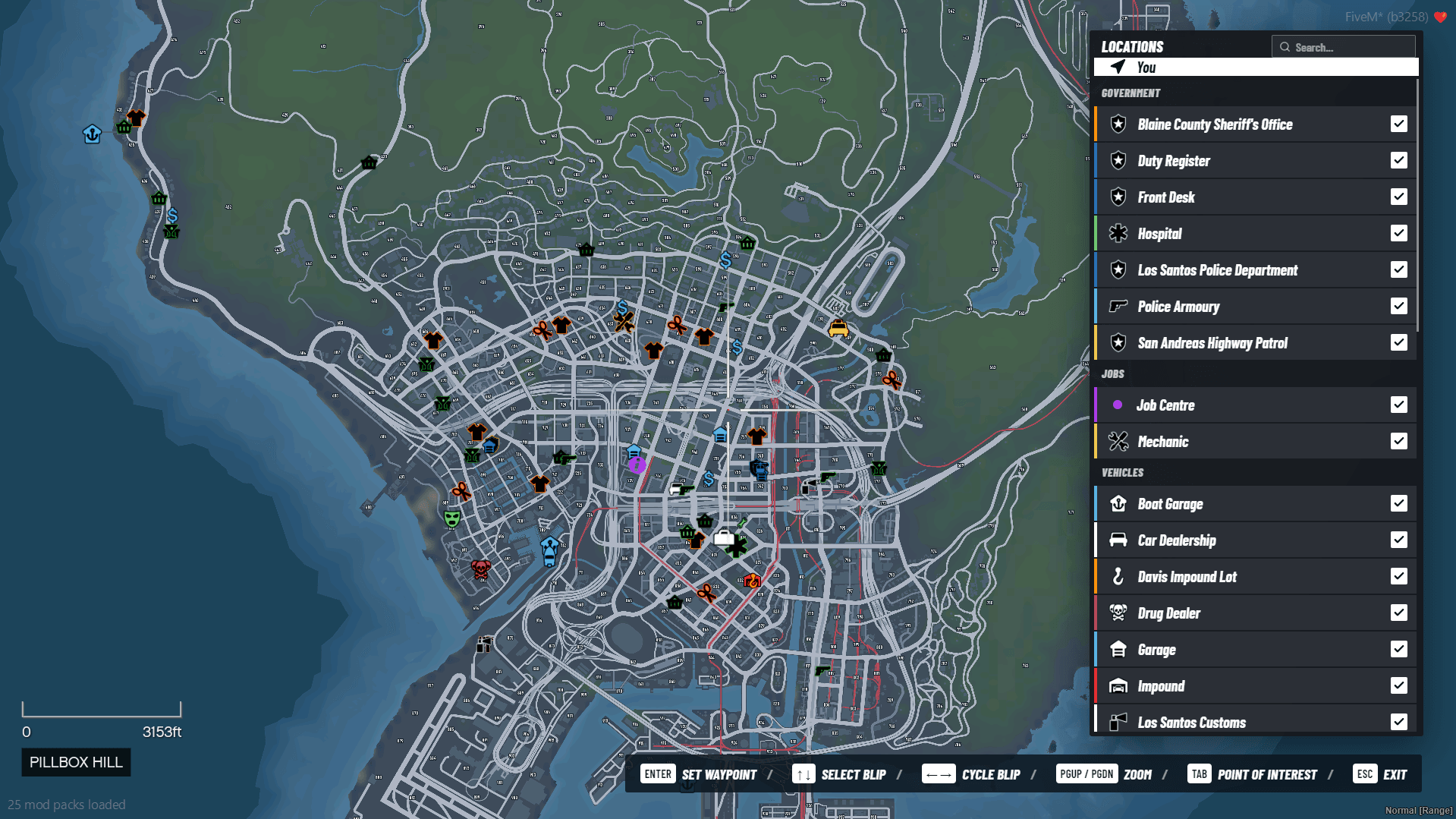
Brand New Map Style — A custom map for the pause map and minimap that looks great by day and by night.
Three Map Styles Included — Choose between the dusk, light and dark map styles.
Postal Codes — Postal codes are built right into the map.
Redesigned Locations List — Every map location shown with its real icon and colour, sorted into clear groups.
Custom Location Groups — Choose your own headings and decide which places go under each one.
Show & Hide Locations — Turn any location on or off with a single click.
Coloured GPS Route — The waypoint and GPS route match your server colours.
Minimap Support — The same map follows players on the minimap while they drive, with adjustable zoom.
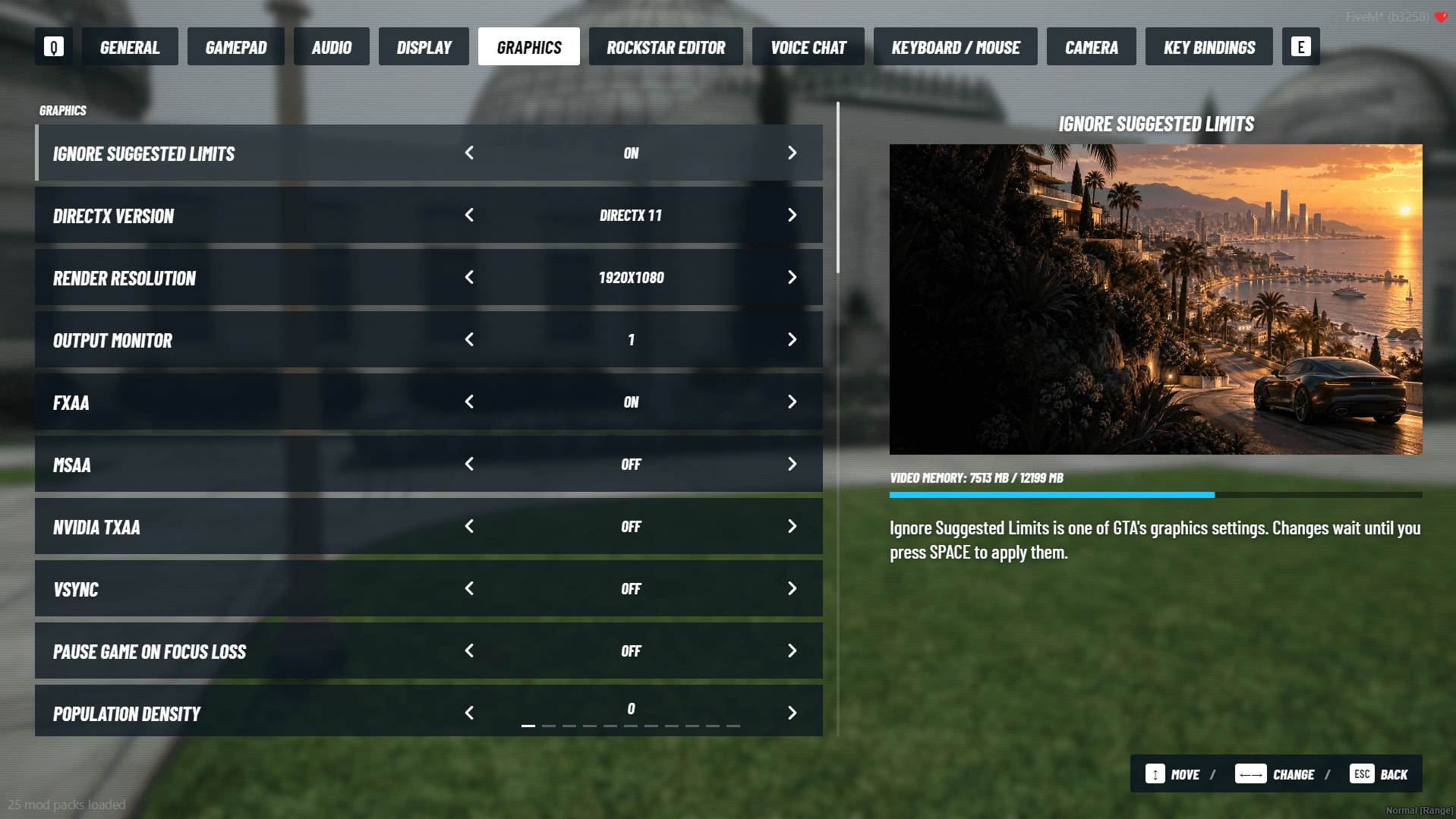
Full Settings Redesign — Every game settings tab in one screen: General, Gamepad, Audio, Display, Graphics, Rockstar Editor, Voice Chat, Keyboard / Mouse, Camera and Key Bindings.
Real Game Settings — Changes apply to the player's own game settings and are saved automatically.
Graphics Apply Changes — Graphics changes wait for one Apply button, just like the original game, with a video memory bar.