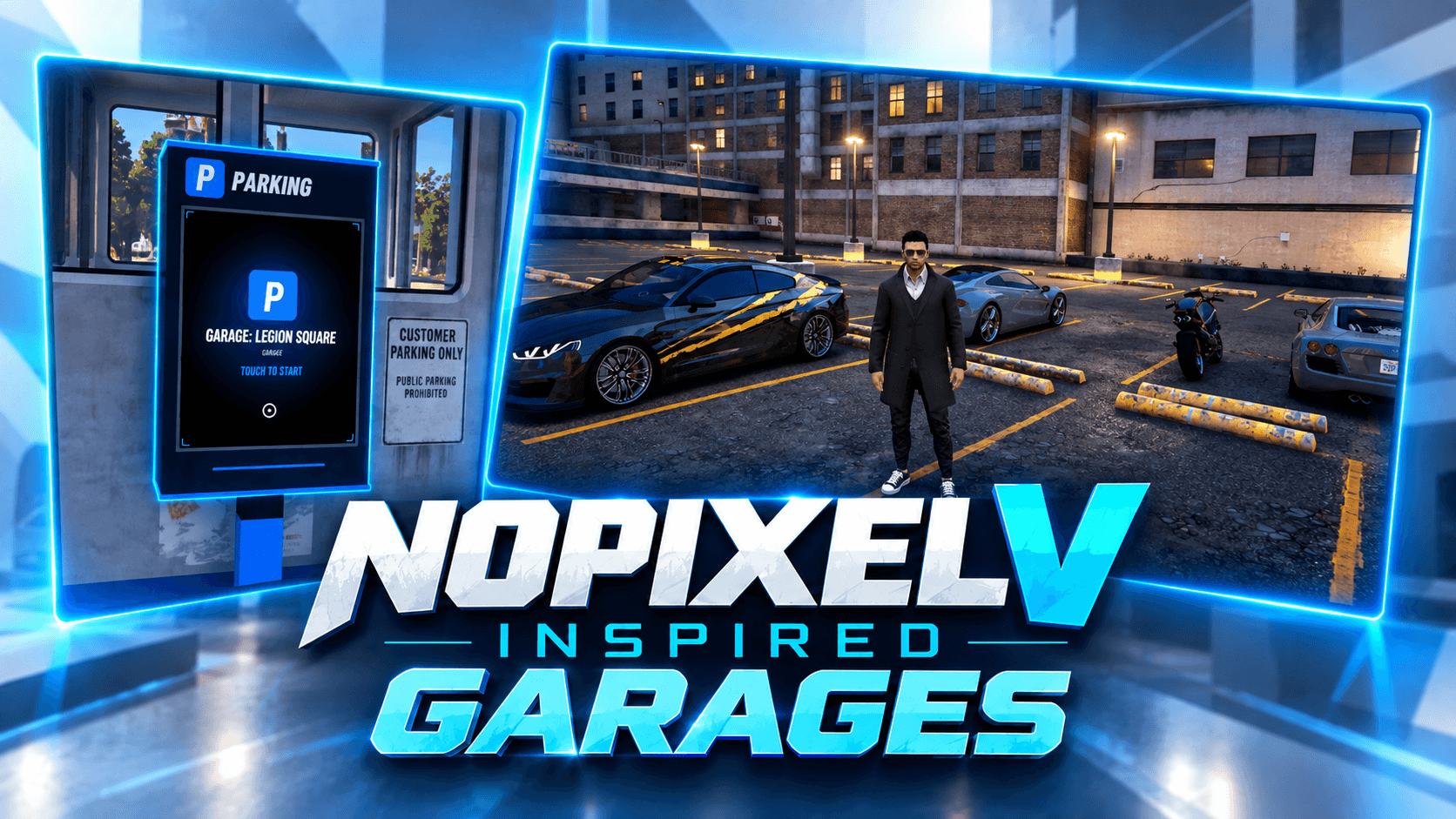
Free garages for FiveM. Walk up to a parking machine with a touch screen built into it, pick your car, and it waits for you in a real parking space. Drive into any space and press E to park.
1.0.1
18 Oct 2026
Scripts
ESX, QBCore, Qbox, Standalone
1 / 3
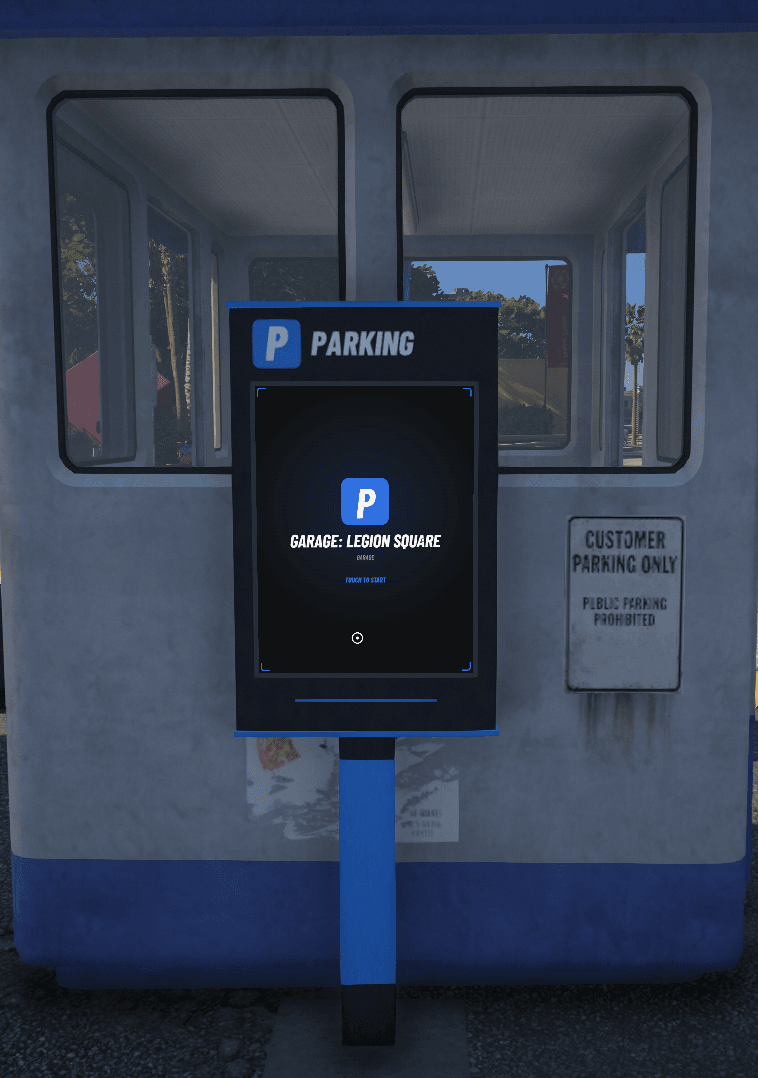
Free garages for FiveM. Walk up to a parking machine standing in the car park, and the touch screen is built right into it, not a menu on top of your game. Pick your car and it is waiting for you in a real parking space. Coming home? Drive into any space and press E, and it's parked. Every garage is made in game, with no coordinates and no config files.
Created by Fantasy Scripts.
Features
Design — A clean, modern garage screen in the same style as the rest of our interface, on our own parking machine model.
The Screen Is On The Machine — The garage screen is painted onto the parking machine in the world. Players walk up, touch it and use it with the mouse while the camera moves in close.
Real Parking Spaces — Cars come out in a free space of the car park, never on top of the player.
Drive In, Press E — Park by driving into any space and pressing E. The spaces are outlined on the ground as you drive in.
Comes Out As You Left It — Paint, parts, wheels, extras, damage and fuel are all kept with the car.
Your Car Stays Where You Park It — A car comes out only at the garage it was parked in, and every other garage shows where it is.
Bring It Over — Fetch a car from another garage for a small fee you set, paid from the bank.
Three Tabs — Cars parked here, cars at other garages, and every car you own, switched with Q and E.
Search — Find any car by its name or its plate.
Car Details — Plate, model, where it is, fuel, engine and body at a glance.
Car Pictures — Every car in the game shows with its picture, and add-on cars from your vehicle list too.
Boats & Aircraft — Garages at the docks for boats and on the helipad for helicopters and planes. Each garage only keeps its own kind.
Job Garages — Garages only the jobs you choose can open and park in.
Make Garages In Game — Type one command, name the garage, place the parking machine and mark the spaces by looking at the ground, or park a car where a space should be. Save, and it is there for everyone at once.
Map Blips — Every garage on the map with its own name, switched off per garage when you want.
Keeps Your Cars — Switch from esx_garage and every player keeps every car. Cars from your old garages come out at any garage.
Car Keys — Hands out keys through the keys script you already use, found by itself.
Fuel — Keeps each car's fuel with the fuel script you already use, found by itself.
Plug In Your Own — Using a keys or fuel script we do not know? Fill in a ready template with a few lines.
Your Choice Of Prompts — Our ox_lib prompts, ox_target, qb-target or simple 3D text, picked in one line.
Safe From Cheaters — Every car, space, model and payment is checked on the server. A car can never be taken out twice, with protection against spam.
Multi-Language Support — Every word on the screen can be translated through the locale file.
Framework Support — Works with ESX, QBCore and Qbox.
Highly Configurable — Configure the fee for bringing a car over, how close a car must be to a space, the blip for each kind of garage, the car pictures, the admin groups and more.
Requirements
ESX Legacy, QBCore or Qbox
oxmysql
OneSync turned on
Optional:
Prompts: Fantasy Scripts ox_lib, ox_target or qb-target (with none of them, simple 3D text is used)
Car keys: qbx_vehiclekeys, qb-vehiclekeys, MrNewbVehicleKeys, wasabi_carlock, Renewed-Vehiclekeys or vehicles_keys
Fuel: fs-fuel, ox_fuel, LegacyFuel, ps-fuel, cdn-fuel or lc_fuel (with none of them, the game's own fuel level is kept)
Any other keys or fuel script can be plugged in with a few lines in integrations/custom.lua.